 Dashboard
 Contacts
 Properties
 Email
Email Calendar
 Tasks
Tasks Address from clipboard
 Text block
 Customer communication
 External Tools
 Favorite links
 Calculating with formulas
 Mass update
 onOffice-MLS
 Portals
 Property import
 Quick Access
 Settings
 Templates
 Step by step



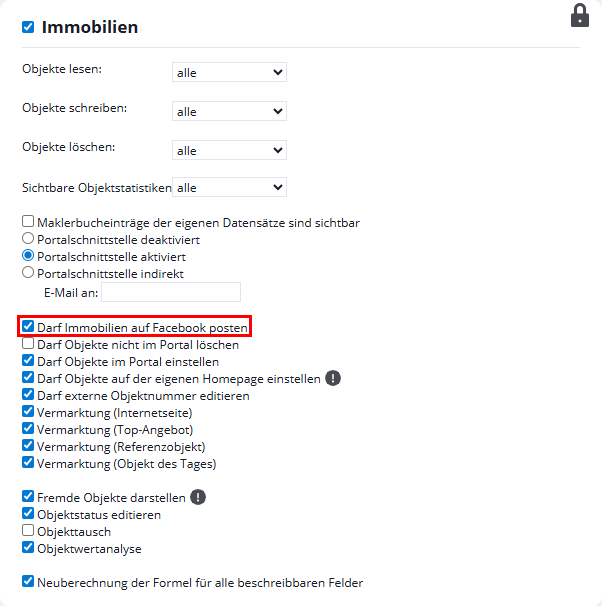
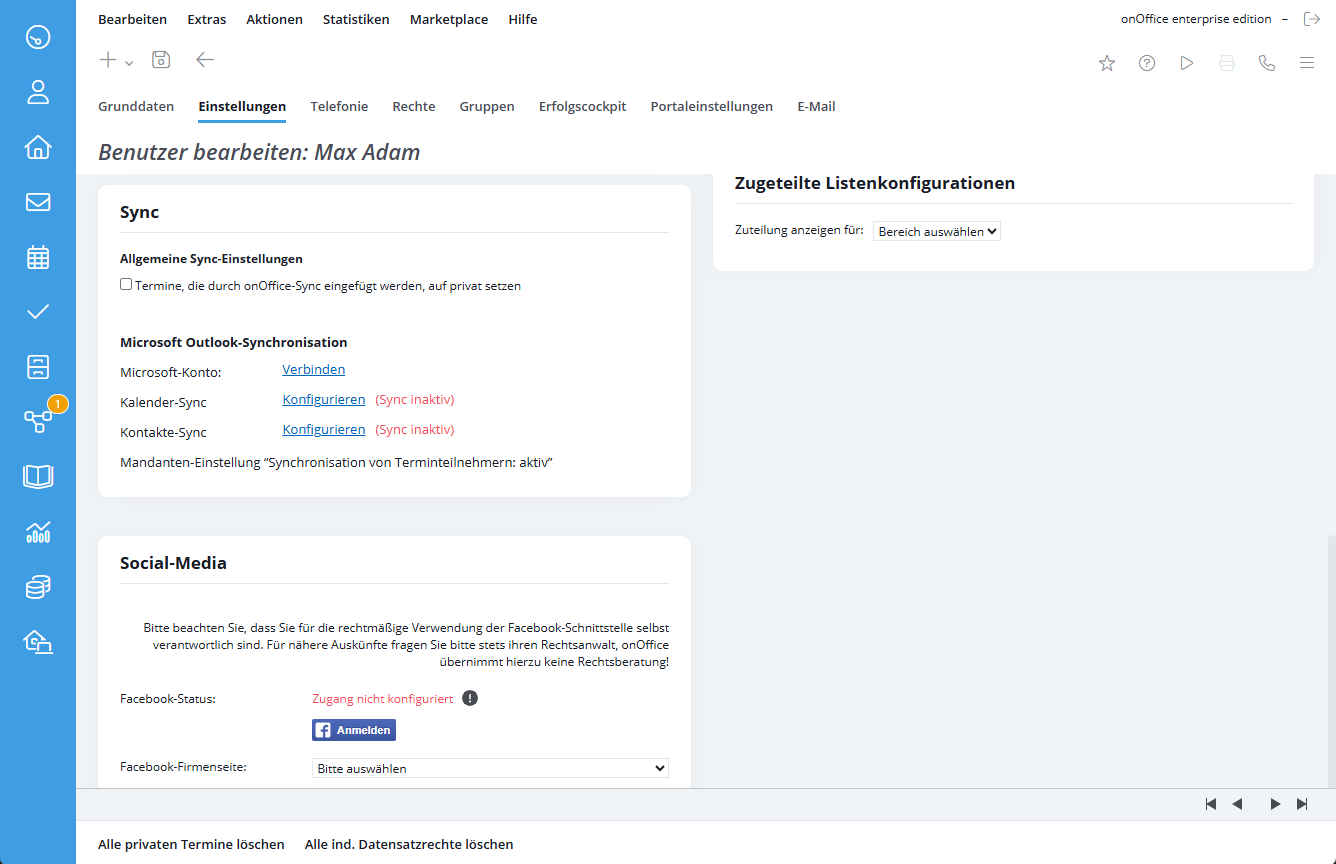
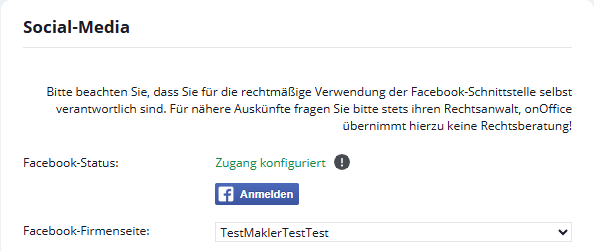
Portals

- Entry
- Modules
- Additional modules
 Acquisition Cockpit
 API Module
 Audit-proof mail archiving
 Automatic brochure dispatch
- Automatic CSV export
 Billing
 Groups
 Intranet
 Marketing Box
 Marketplace
 Multi Property module
 Multilingual Module
- Online feedback
 onOffice sync
 Presentation PDFs
 Process manager
 Project Management
 Property tracking
 Property value analyses
 Enquiry Manager
 Showcase TV
 Smart site 2.0
 Statistic Tab
 Statistics toolbox
 Success Cockpit
- Telephone module
 Time Tracking
- Whatsapp Web
- Extras
- Tutorials
 English