 Entry
Entry Dashboard
 Contacts
 Properties
 Email
Email Calendar
 Tasks
Tasks Acquisition Cockpit
 Audit-proof mail archiving
 Automatic brochure dispatch
 Billing
 Groups
 Intranet
 Marketing Box
 Marketplace
 Multi Property module
 Multilingual Module
 onOffice sync
 Presentation PDFs
 Process manager
 Project Management
 Property tracking
 Property value analyses
 Enquiry Manager
 Showcase TV
 Smart site 2.0
 Statistic Tab
 Statistics toolbox
 Success Cockpit
 Time Tracking
 Address from clipboard
 Text block
 Customer communication
 External Tools
 Favorite links
 Calculating with formulas
 Mass update
 onOffice-MLS
 Portals
 Property import
 Quick Access
 Settings
 Templates
 Step by step


You are here: Home / Additional modules / Marketplace / Provider overview / flowreal - Automatic redaction of documents

Marketplace
flowreal – Automatic redaction of documents
Instructions: flowreal – Automated redaction of documents
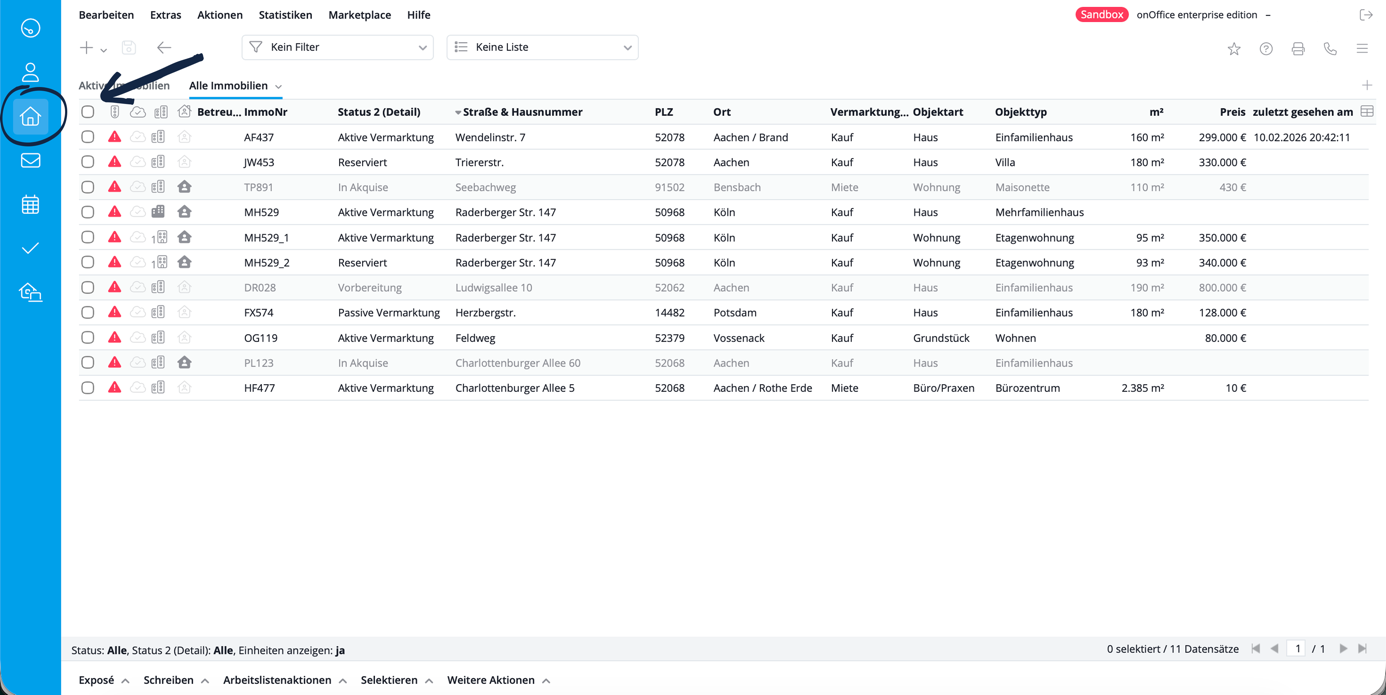
1. Go to “Properties” in the menu on the left.
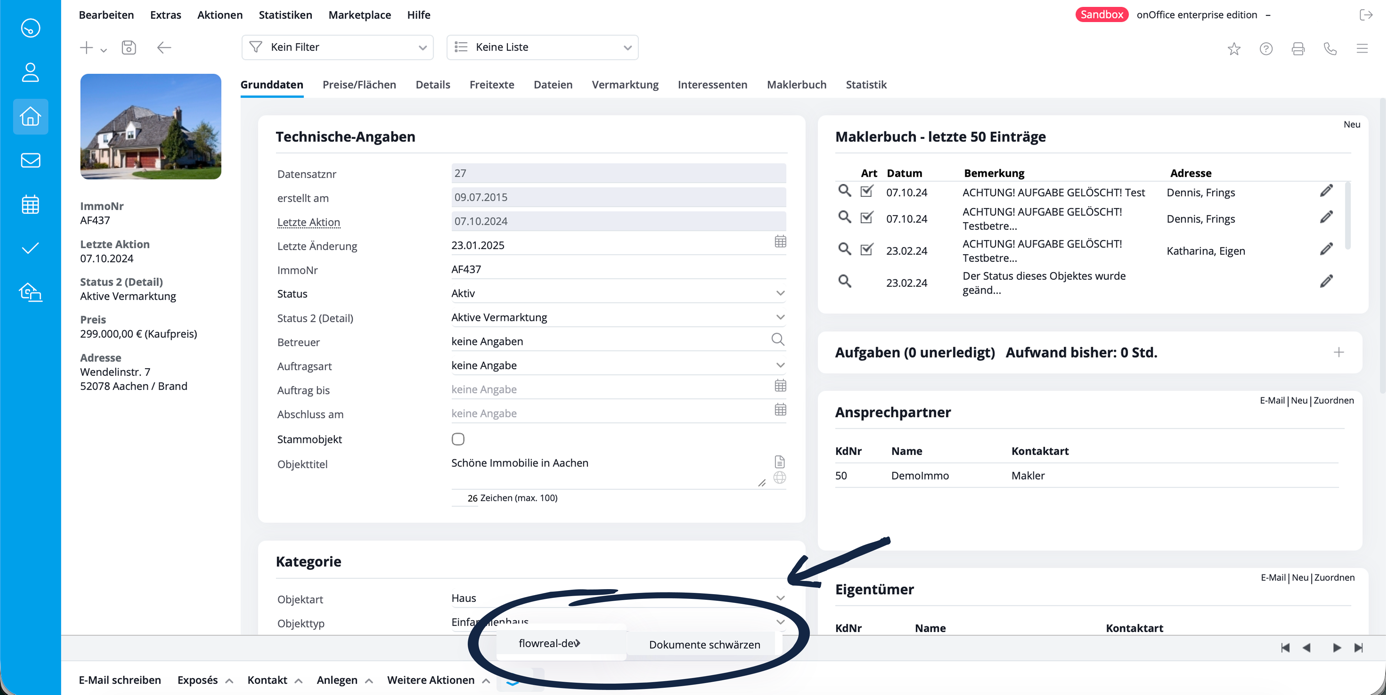
2. Select the property for which you want to redact documents and open the menu with the batch buttons and select “flowreal – Redact documents”.
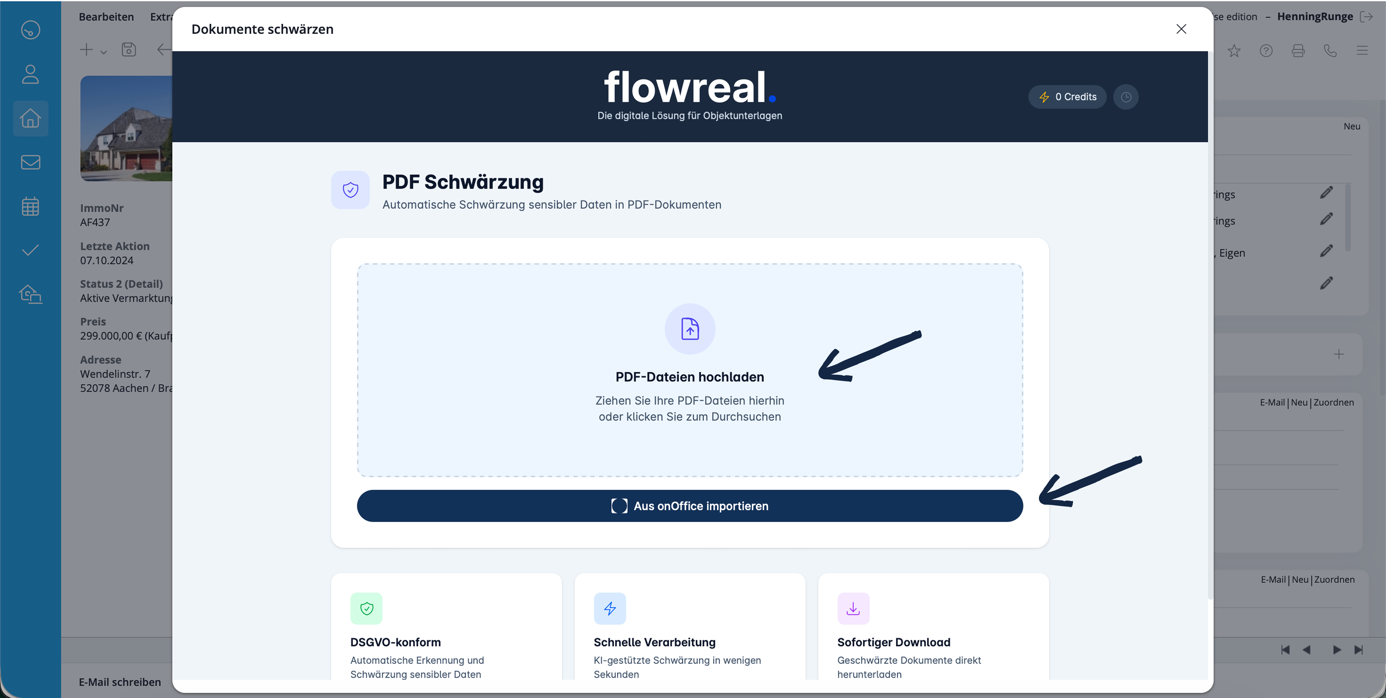
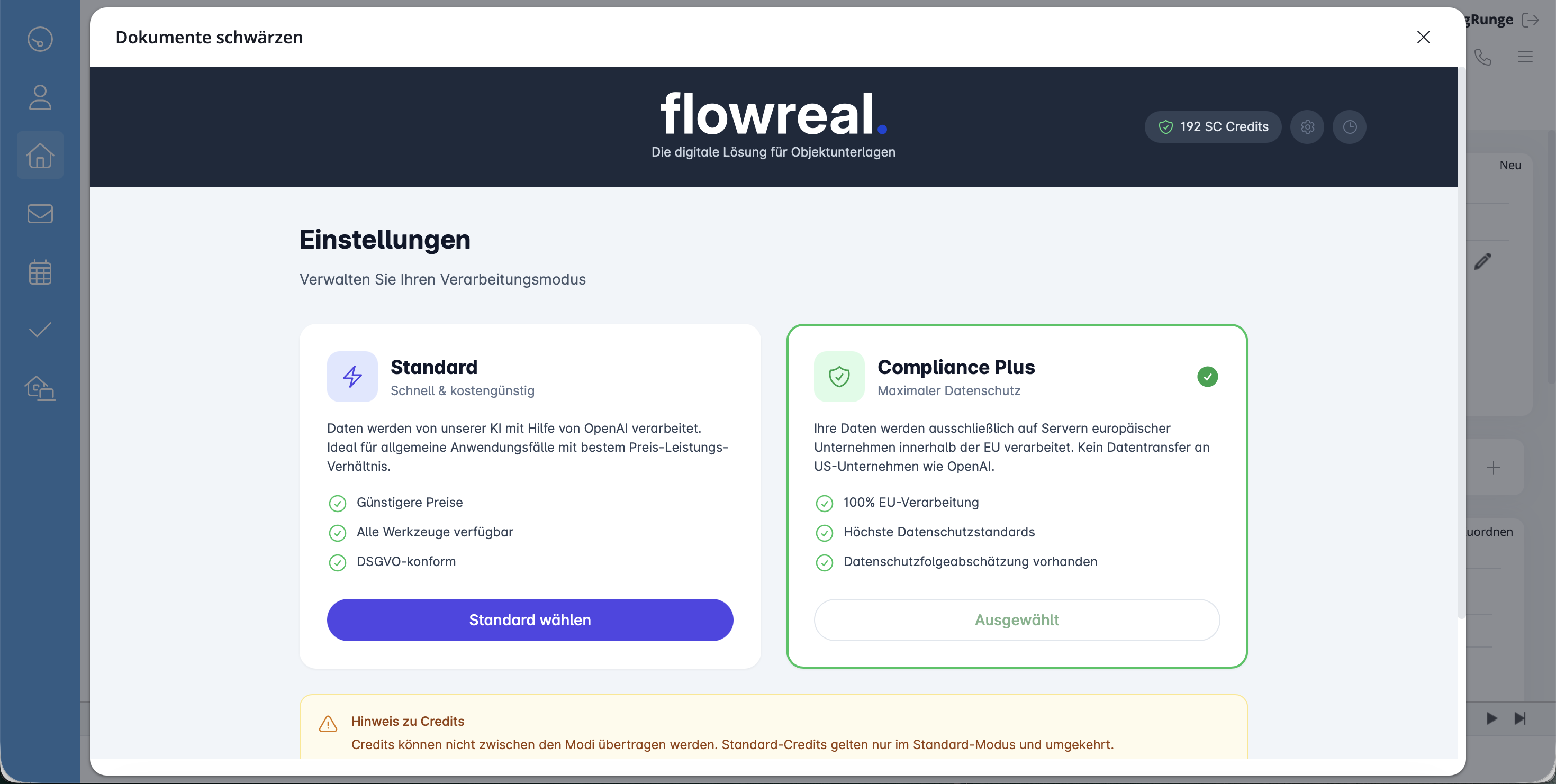
3. A pop-up window opens. You can make basic settings using the “Gear wheel” symbol.
4. Choose between Standard mode and Compliance+.
Standard mode: Data is processed by our AI with the help of OpenAI. Ideal for general use cases with the best price-performance ratio.
Compliance Plus: Your data is processed exclusively on servers of European companies within the EU.
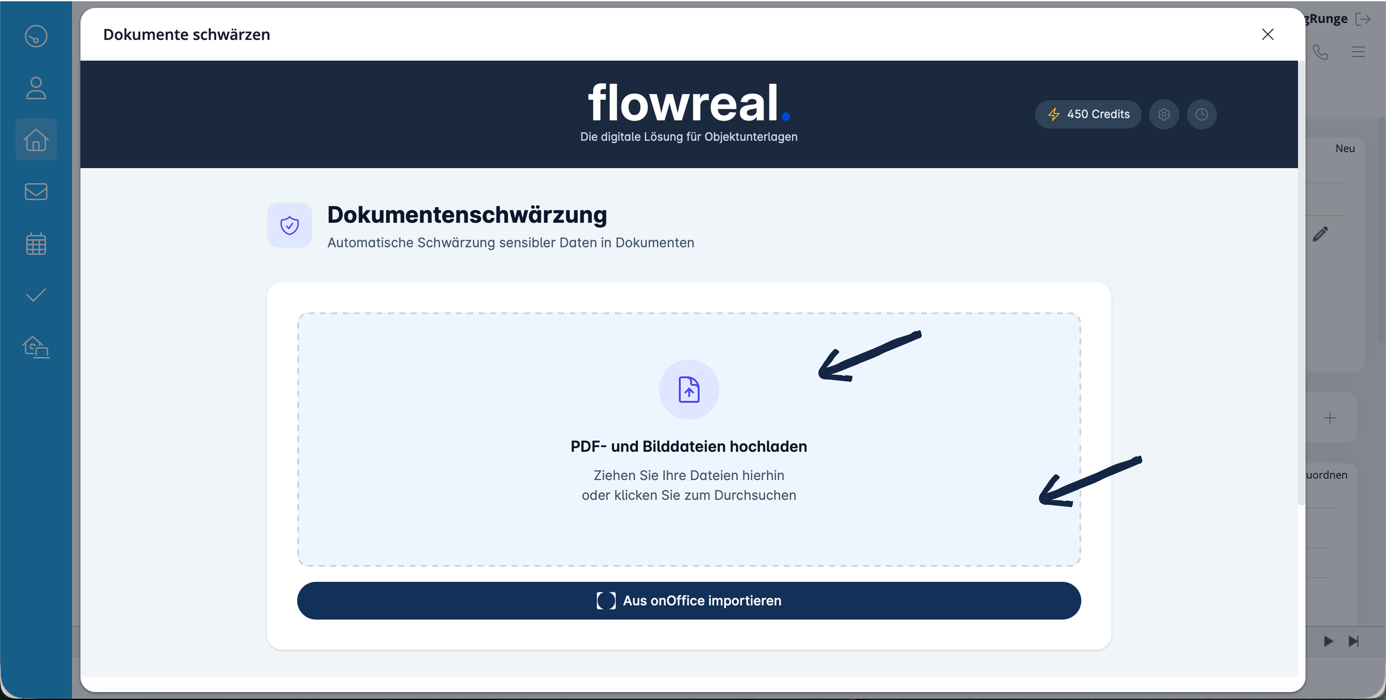
5. Import, whether you import the documents from your server or from your file storage in onOffice.
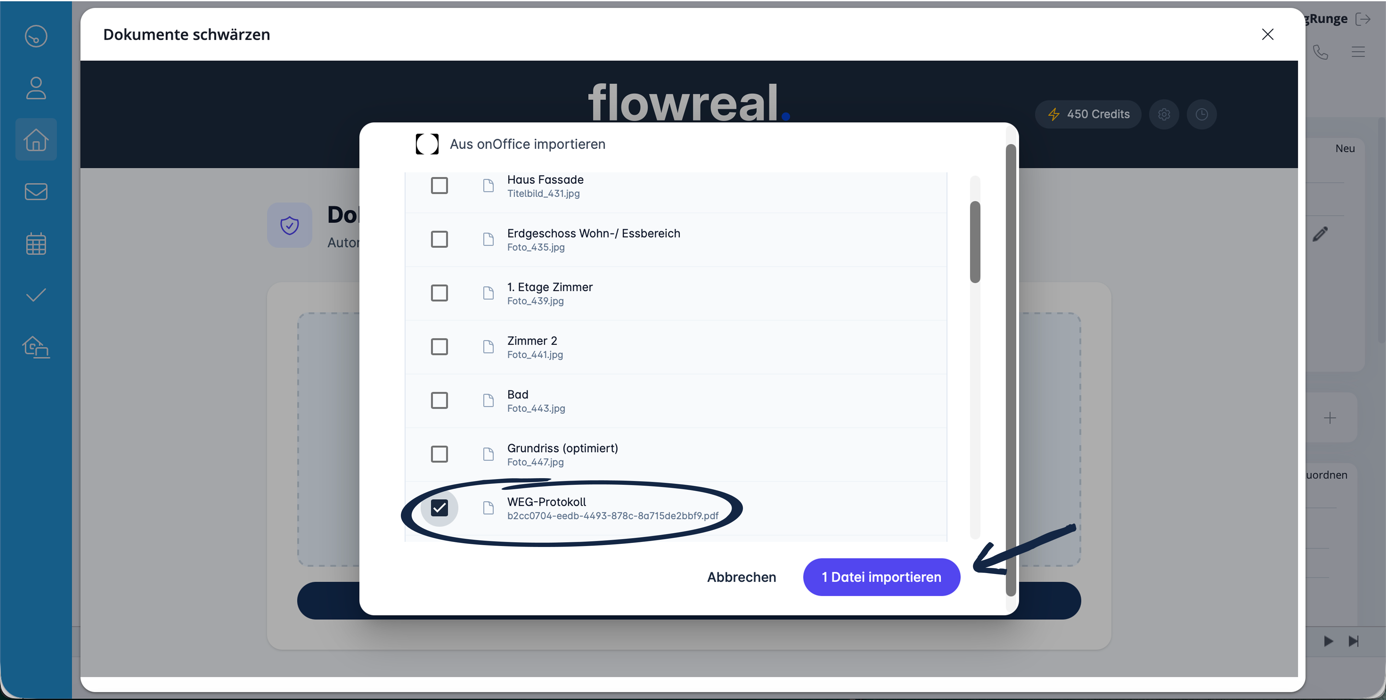
6. Select all documents to be redacted and import them.
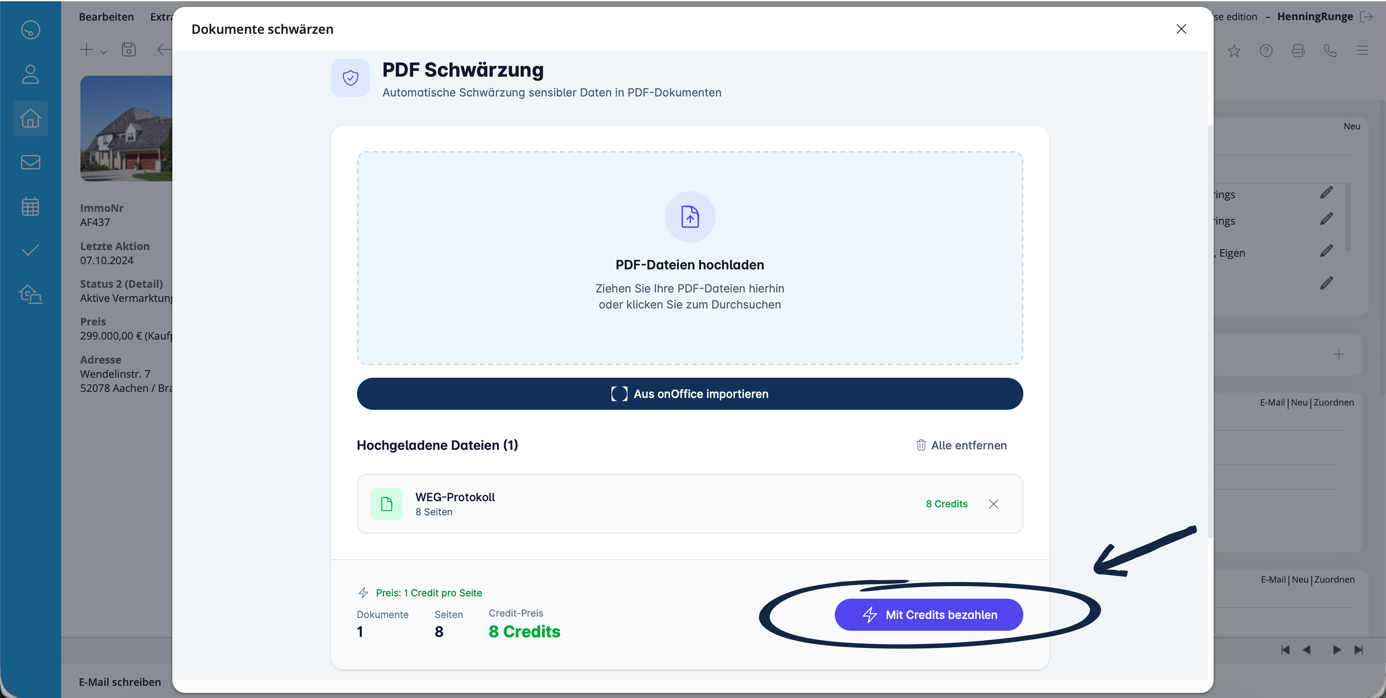
7. Carry out the automatic redaction by paying with your credits.
8. Let the AI do the work and receive your redacted documents within seconds.
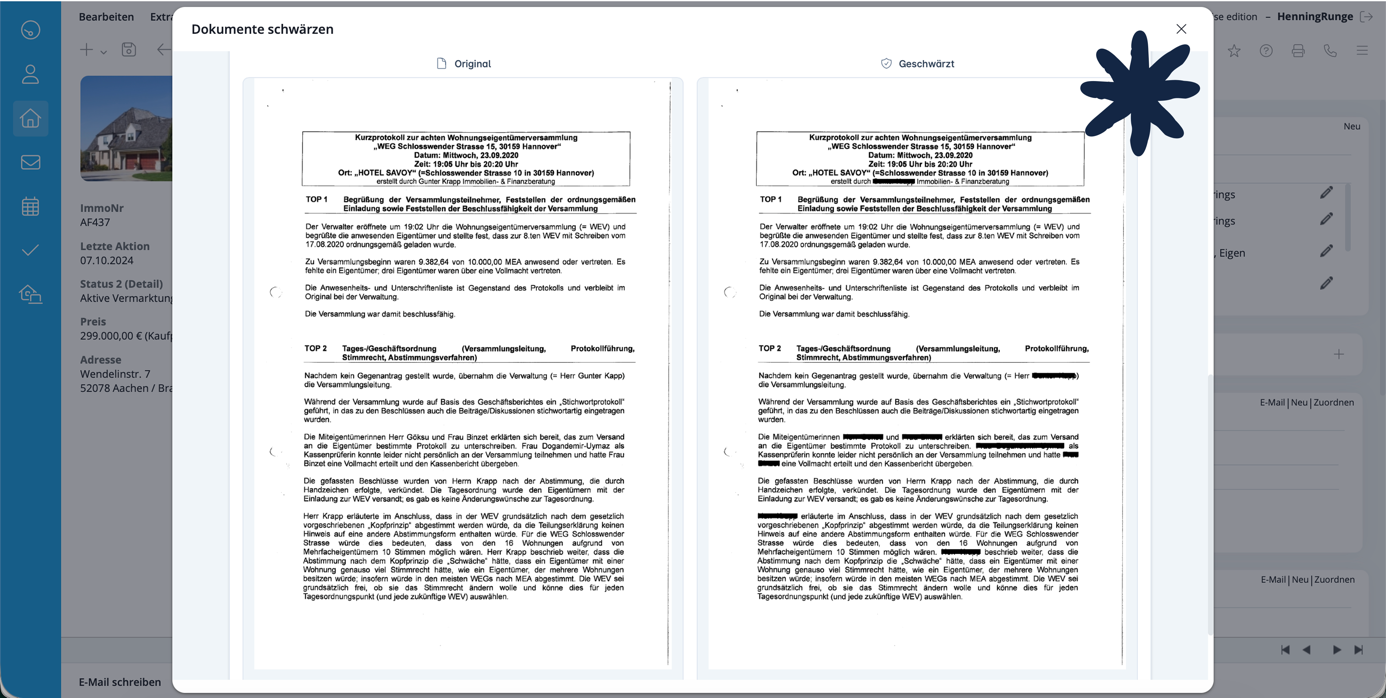
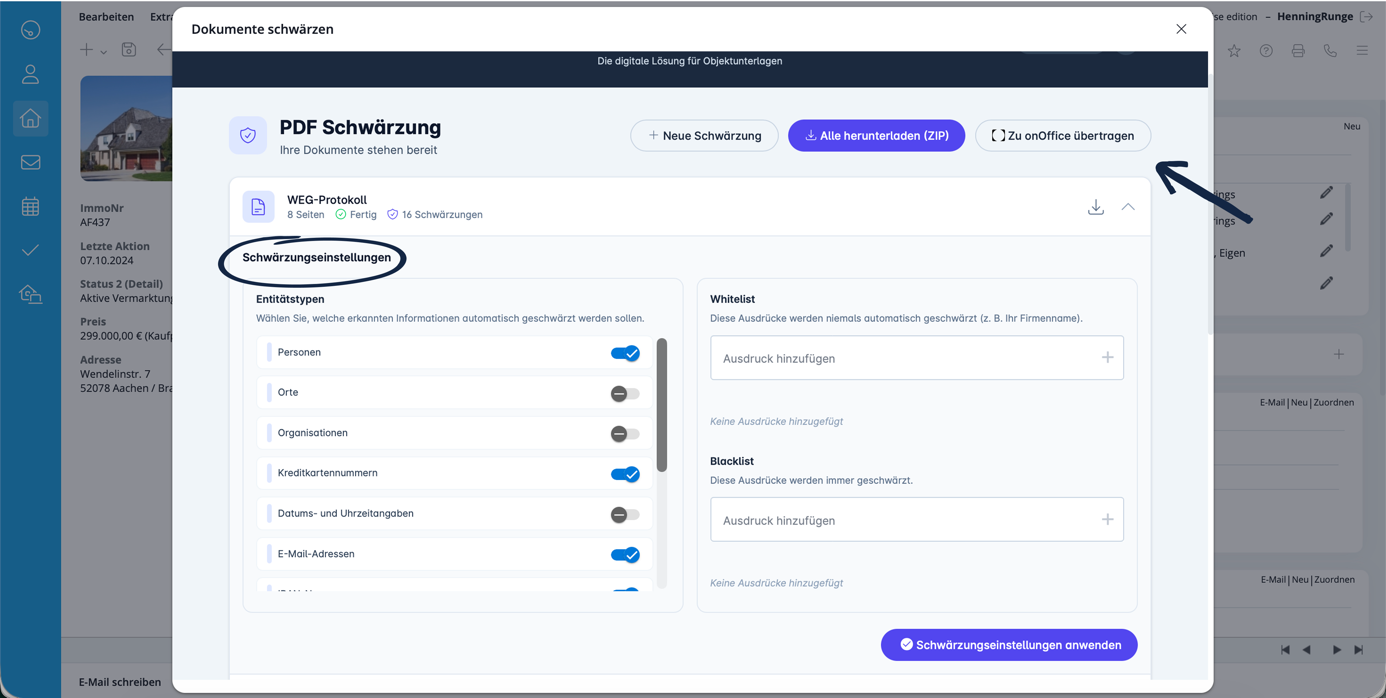
9. Refine the redaction settings as required and then click on “Apply”.
Finally, transfer the redacted documents back to onOffice or download them.