 Entry
Entry Dashboard
 Contacts
 Properties
 Email
Email Calendar
 Tasks
Tasks Acquisition Cockpit
 Audit-proof mail archiving
 Automatic brochure dispatch
 Billing
 Groups
 Intranet
 Marketing Box
 Marketplace
 Multi Property module
 Multilingual Module
 onOffice sync
 Presentation PDFs
 Process manager
 Project Management
 Property tracking
 Property value analyses
 Enquiry Manager
 Showcase TV
 Smart site 2.0
 Statistic Tab
 Statistics toolbox
 Success Cockpit
 Time Tracking
 Address from clipboard
 Text block
 Customer communication
 External Tools
 Favorite links
 Calculating with formulas
 Mass update
 onOffice-MLS
 Portals
 Property import
 Quick Access
 Settings
 Templates
 Step by step


You are here: Home / Additional modules / Marketplace / Provider overview / onOffice ImmoImport - Direct import from property portals

Marketplace
onOffice ImmoImport – Direct import from property portals
Description
Data import from property portals made easy! With our ImmoImport, you can easily and reliably import property data from external portals directly into onOffice enterprise. Finished data records in just a few clicks – without any copy & paste.
✅ Reduce manual effort
Instead of manually copying all the information about the selected property into your software, let the software do the work for you! Thanks to fewer clicks and direct import, you save valuable time.
✅ No susceptibility to errors
Slipped into the wrong line or overlooked information? This does not happen with ImmoImport. Reduce your error rate many times over with copy & paste.
✅ Various import options
Our ImmoImport offers various options for importing the desired data:
– Single import: Select individual property listings for import.
– Bulk import: Use individual filters to transfer several ads to onOffice enterprise at the same time.
Activate our ImmoImport here in the Marketplace and benefit from less effort and clean data records!
Activation
Simply activate the onOffice ImmoImport free of charge here in the Marketplace.
Important note for commercial real estate agents: The field ‘rent_per_sqm_is_commercial’ should be activated to ensure correct data transfer when importing commercial properties.
Utilization:
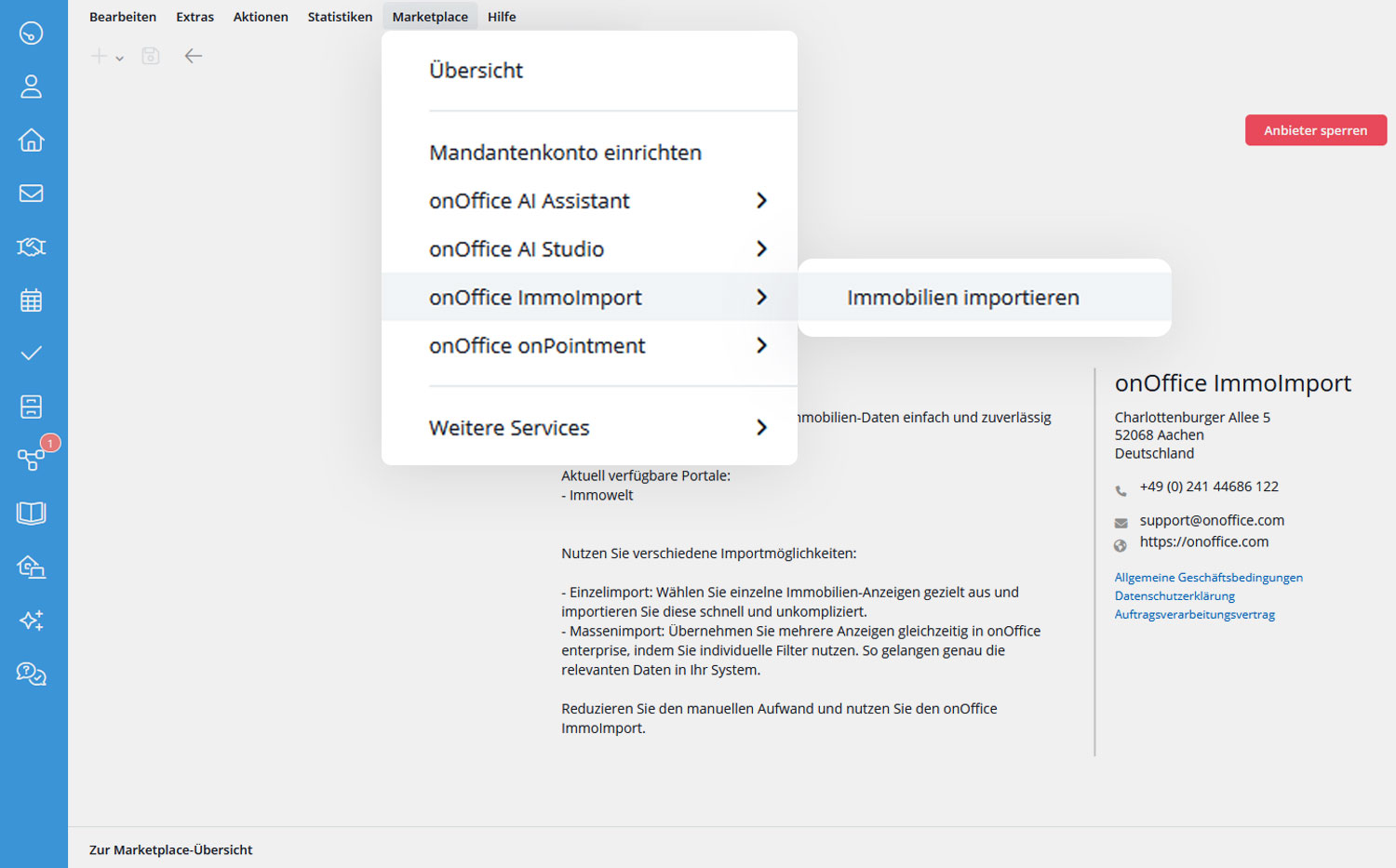
After activation, open the service via the menu bar under Marketplace >> onOffice ImmoImport >> Import properties.
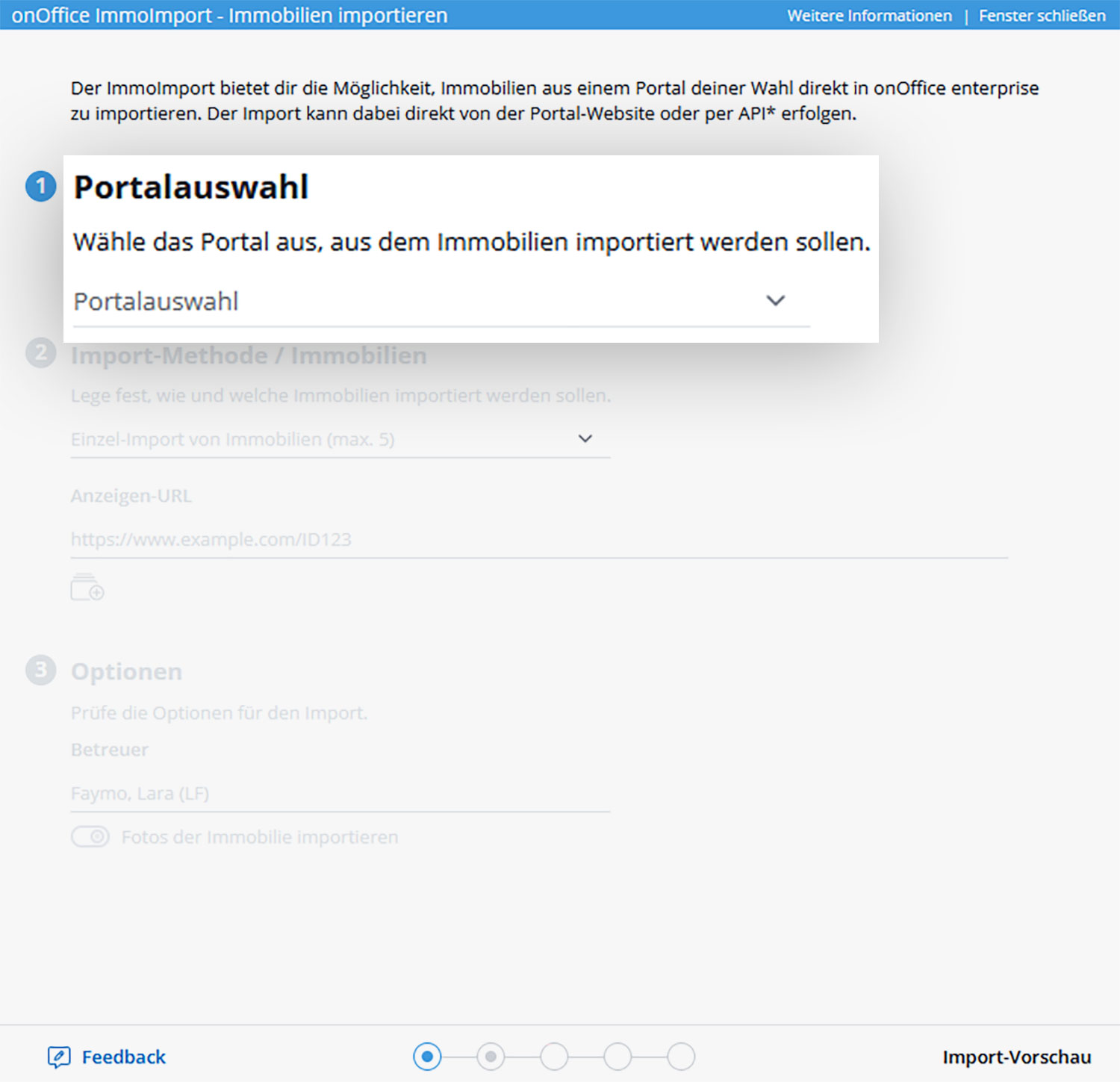
A lightbox opens. Select the portal from which you would like to import your property data.
Next, specify the import method. You have the choice between single import and multiple import. With the individual import, you have the option of importing up to 5 individual property listings. Simply insert the respective URL.
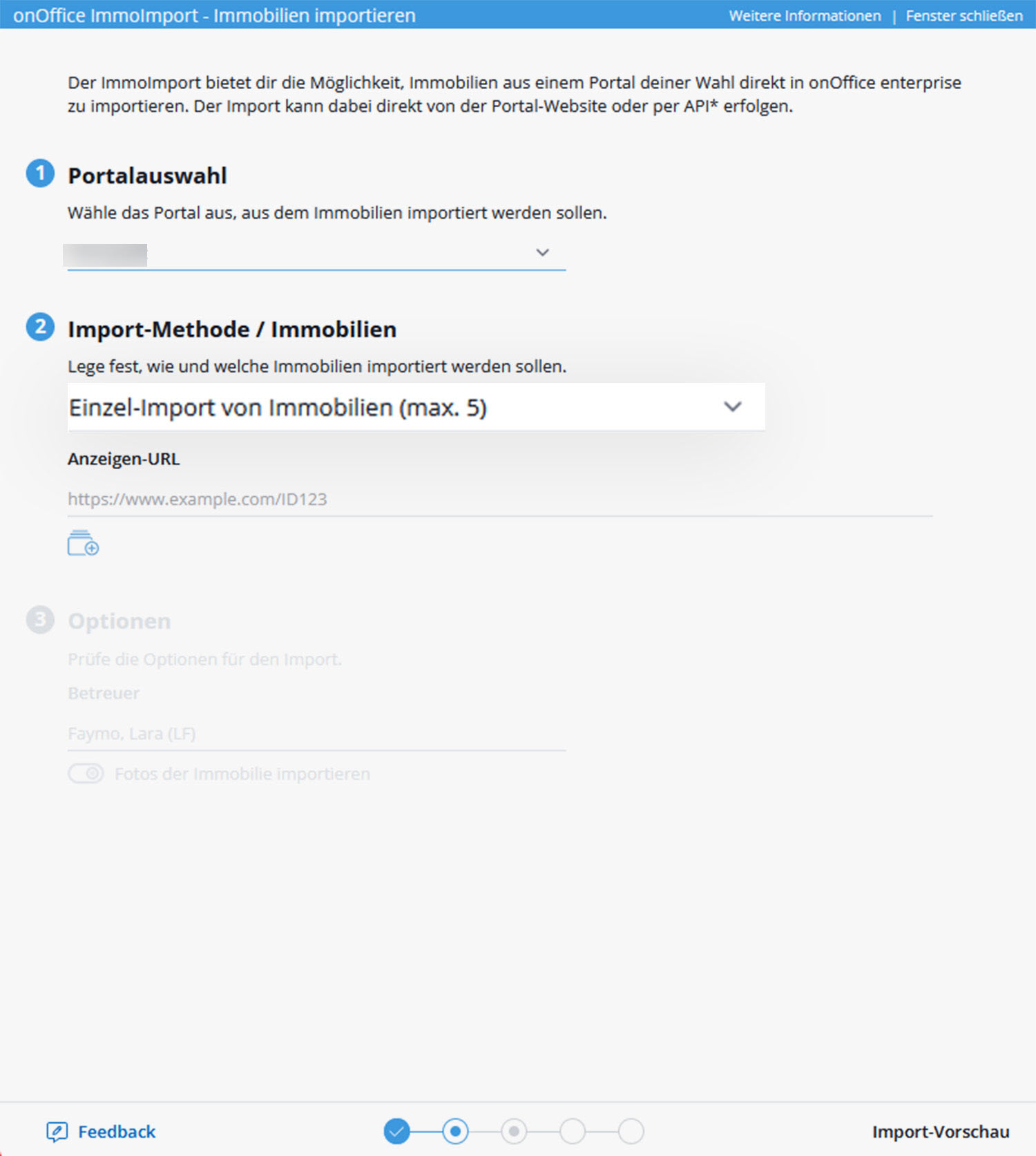
Multiple import enables the upload of up to 10 properties via a portal filter. To do this, set the desired filter criteria in the portal from which you want to import the properties, copy the URL from the browser line and paste it into ImmoImport.
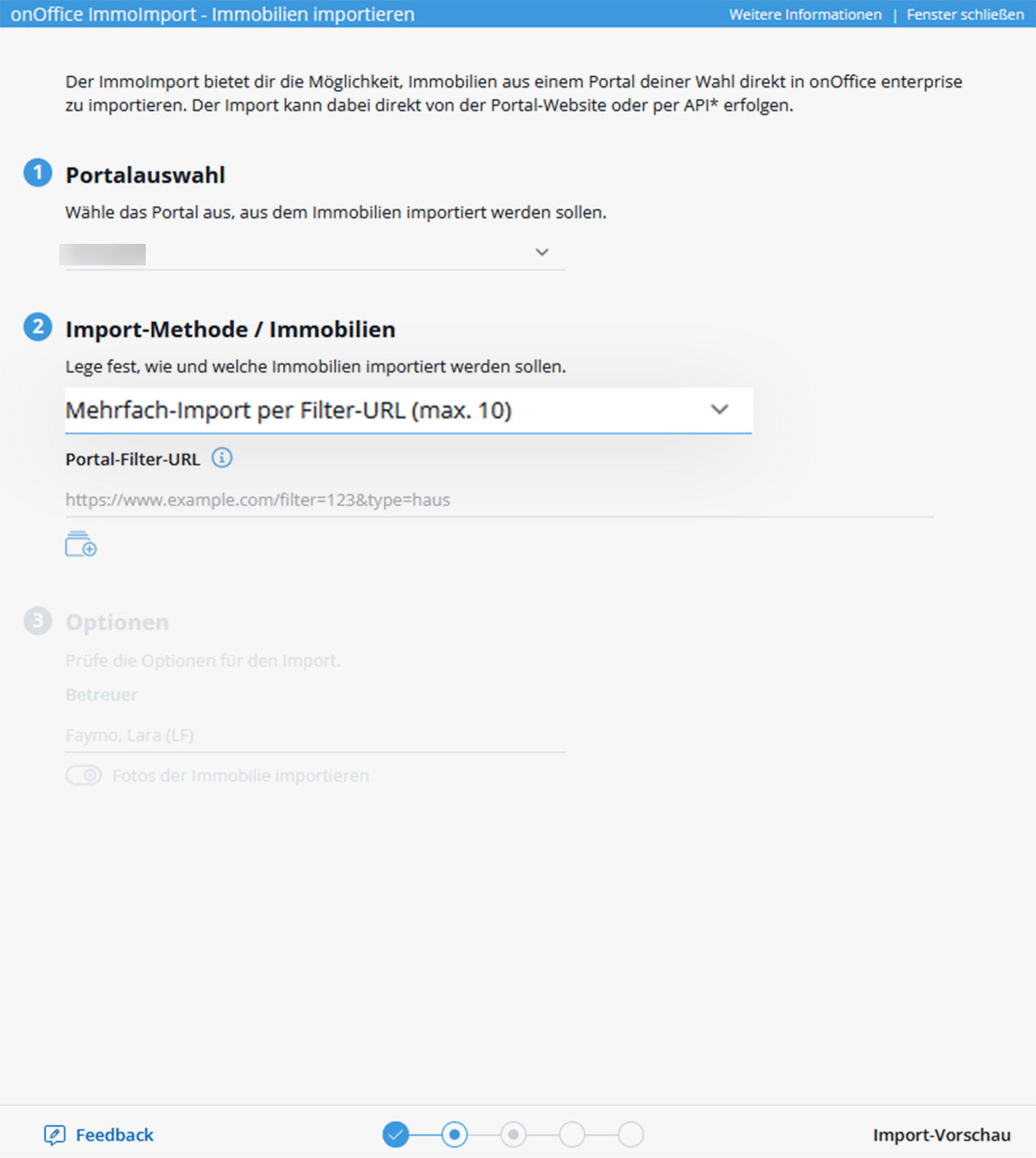
Then check the options for the import: Select the property manager and whether the property photos should also be imported.
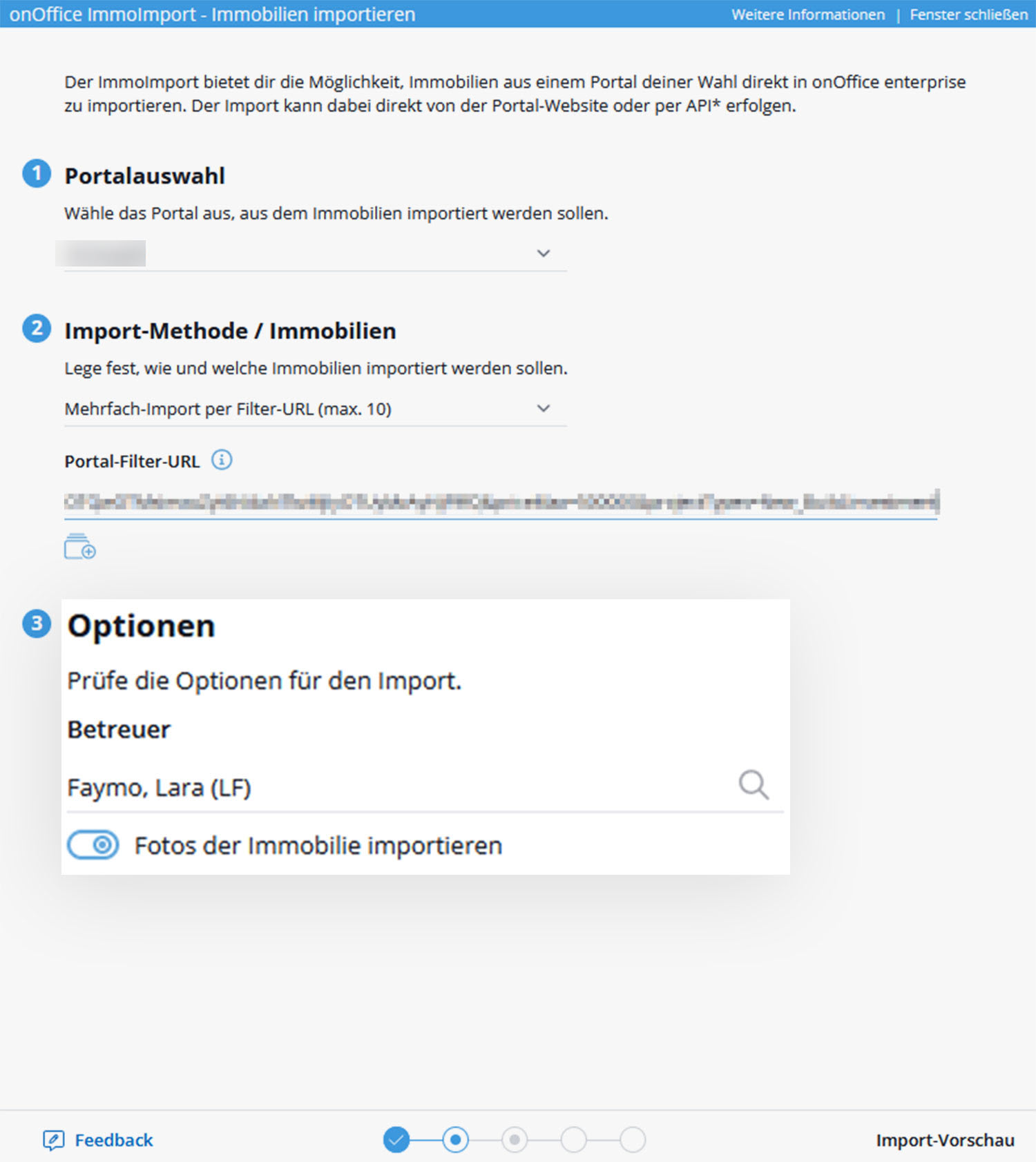
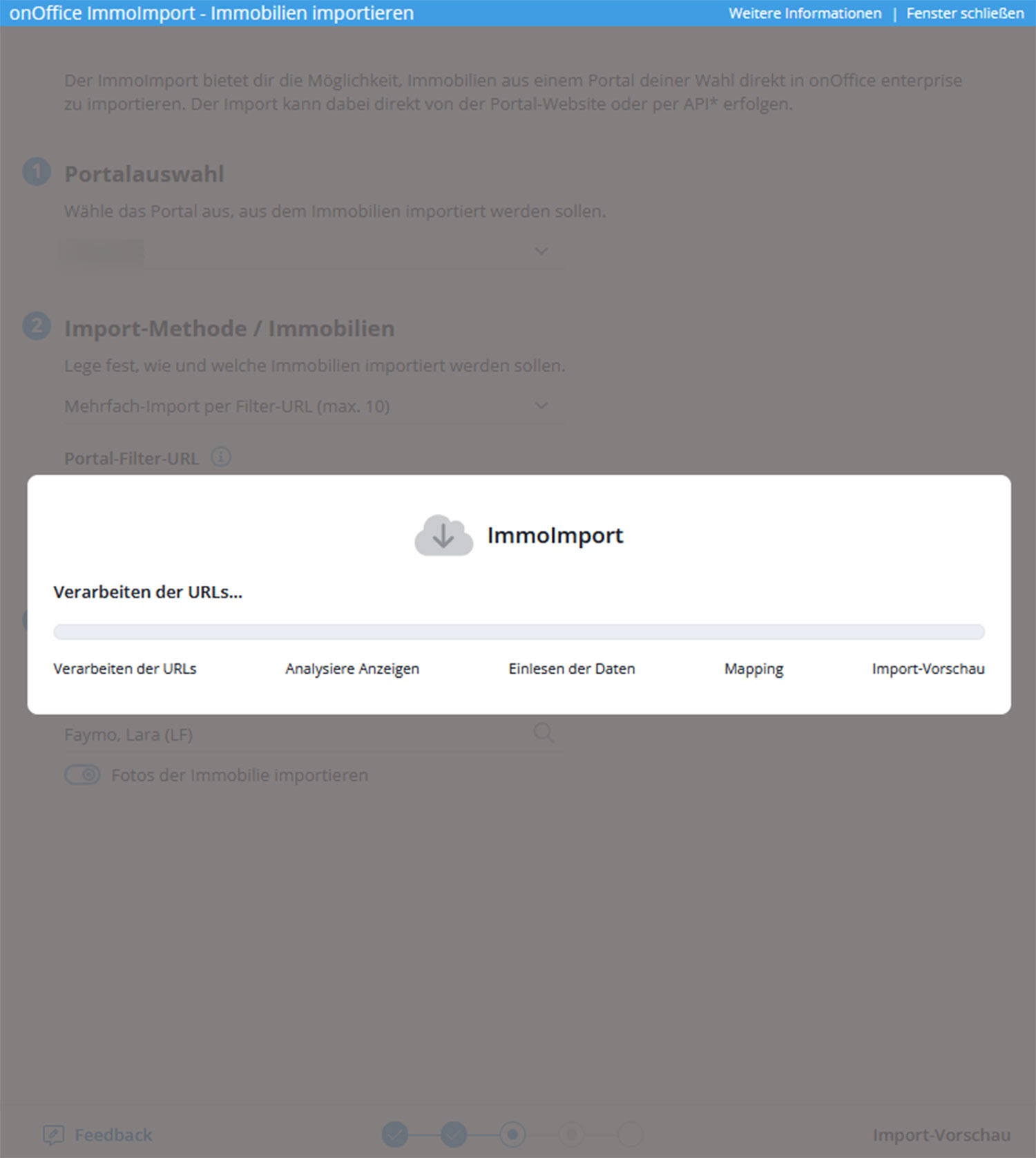
Then click on “Import preview”. Our ImmoImport starts processing and analyzing the URLs. This may take a moment.
All recognized properties are then listed with a brief preview. There you have the option of deselecting individual properties using the checkbox. These are not imported afterwards.
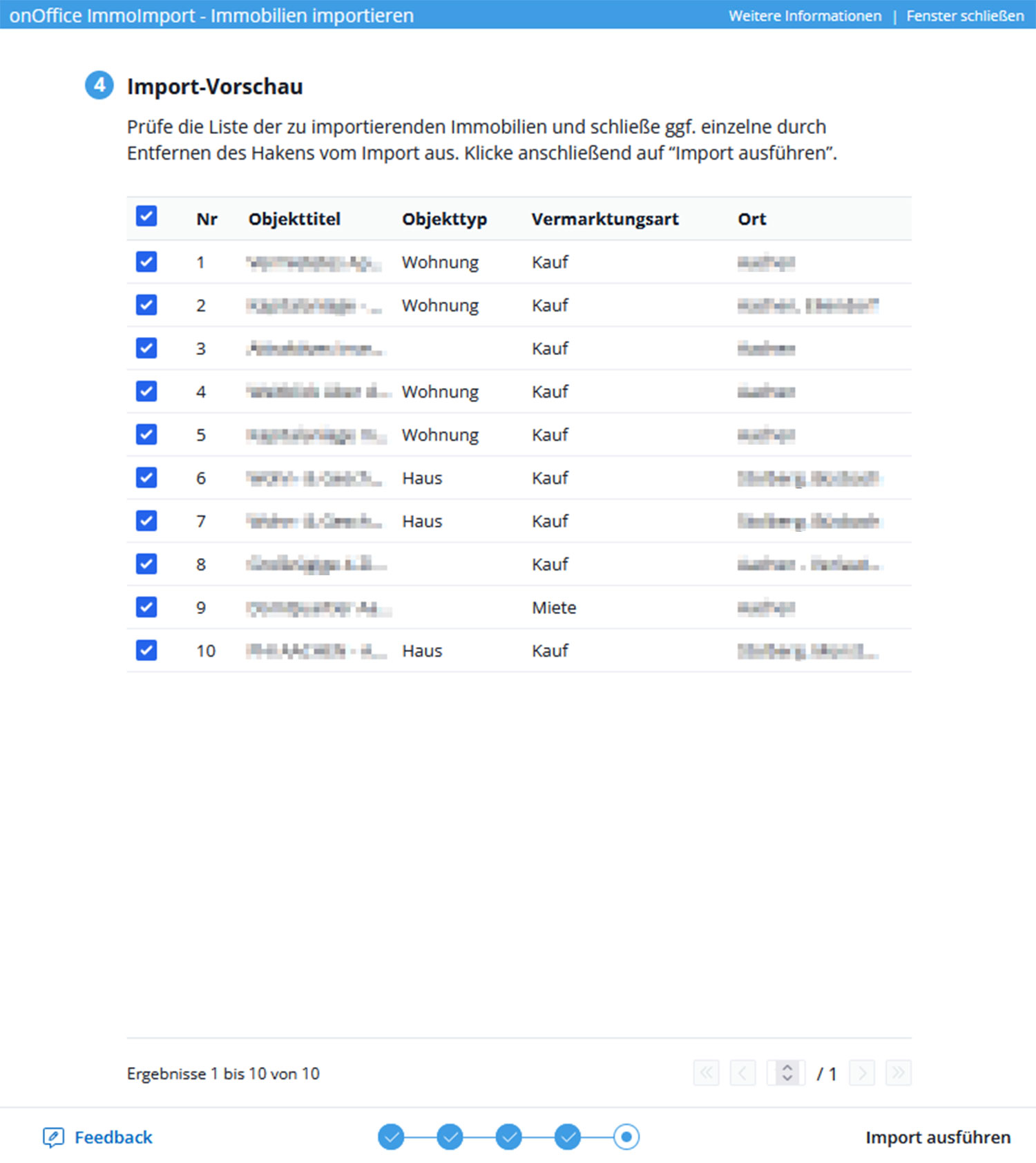
Then click on “Execute import” and ImmoImport will start the process. This may also take a moment.
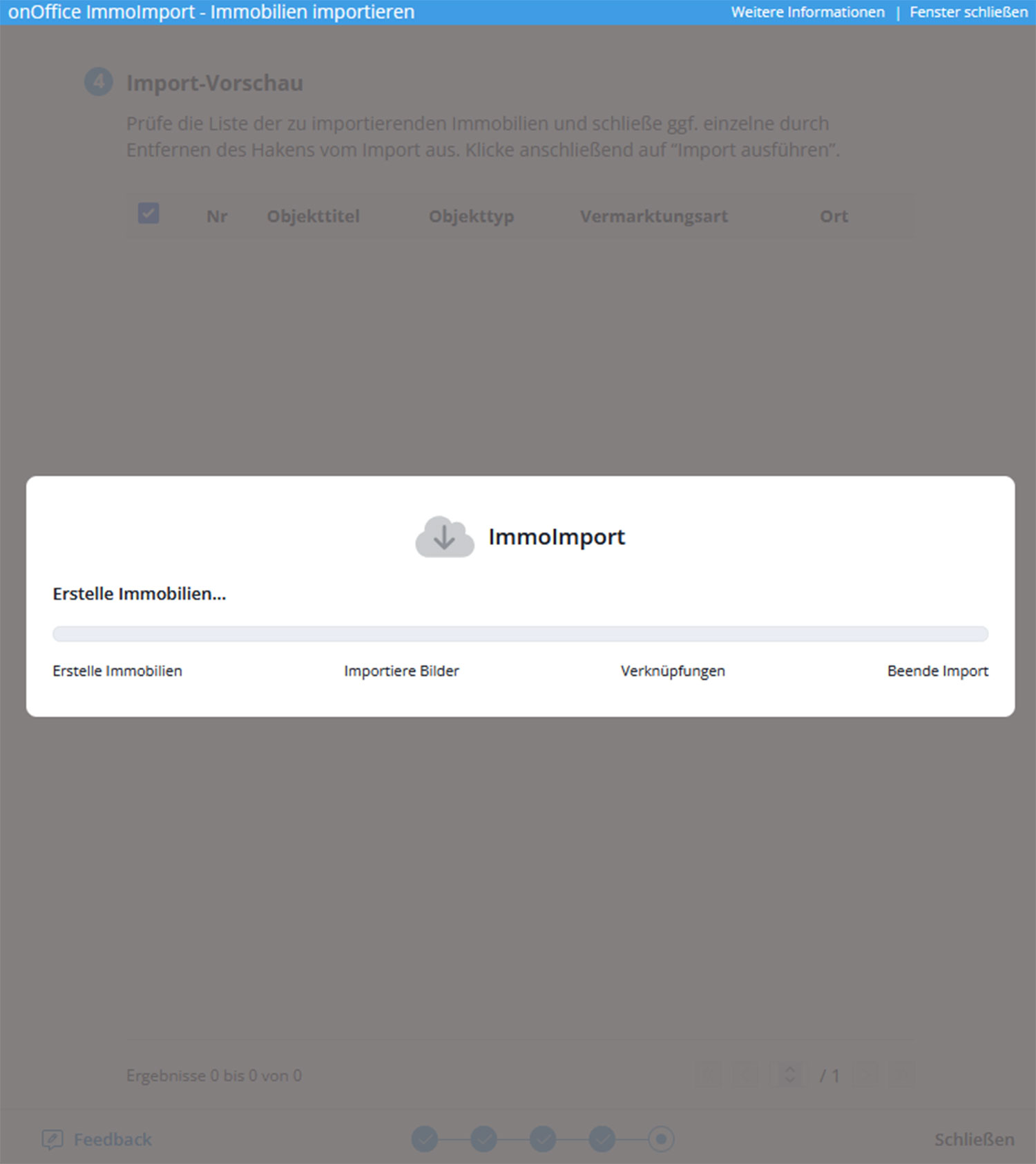
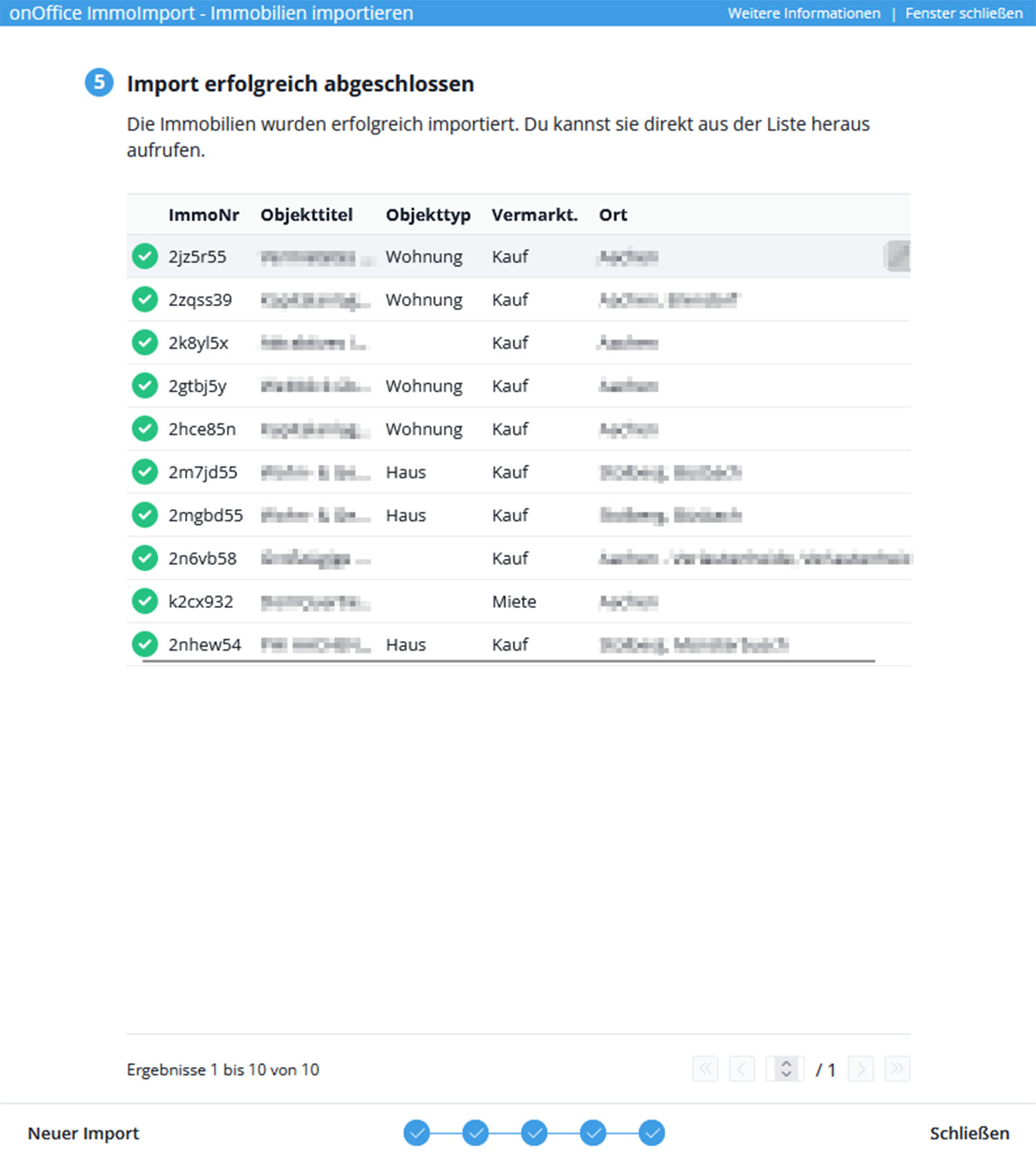
And that’s it! As soon as the import has been successfully completed, you will see an overview of the data records created. From here you can either go to the respective new data records, start a new import or simply close the window.